How to Use LinkedIn Sales Navigator Like a Pro: Filtering Tips That Actually Work
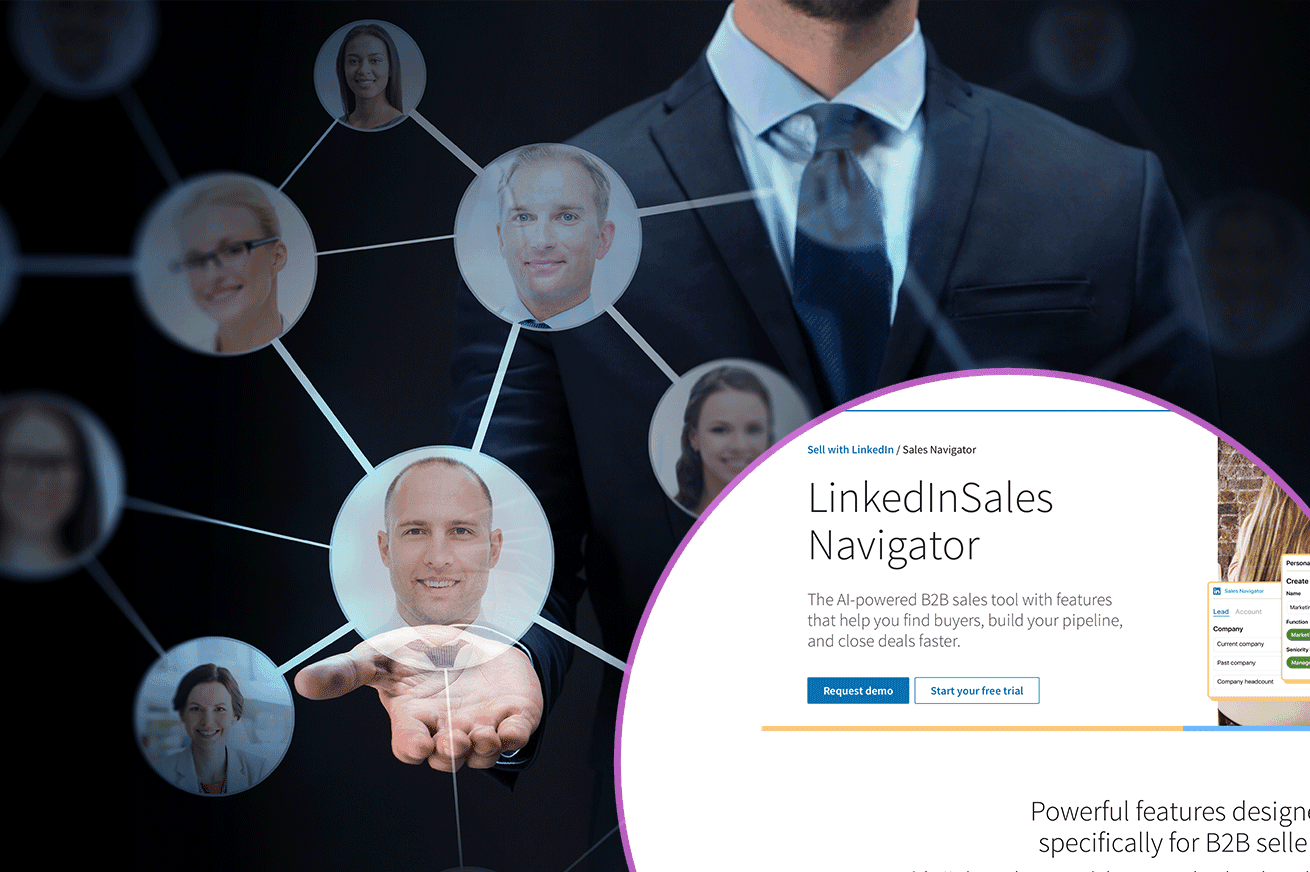
LinkedIn Sales Navigator can feel overwhelming at first glance — dozens of filters, endless combinations, and a million ways to overcomplicate your search. But when used strategically, it becomes one of the most precise prospecting tools in B2B. The trick lies in knowing which filters actually matter and how to interpret them through a sales mindset, not a data one.
Target the “new decision-makers”
A surprisingly effective filter — and one most salespeople overlook — is “Years in current position.” People who are new in a company are statistically 26–38% more open to new solutions during their first six months. Why? Because they’re still shaping their processes, open to innovation, and eager to prove impact.
A senior sales strategist once summed it up:
The best time to pitch isn’t when they’re comfortable — it’s when they’re still building their kingdom.
So instead of focusing on well-established managers, try filtering for “less than 1 year in position.” You’ll find buyers who are actively evaluating tools and partners.
Pair that with company size or industry filters to narrow your list to prospects who not only can buy but want to change.
Search for people — not companies
Another common mistake is searching by company descriptions or industry keywords. On LinkedIn, keywords live in people’s profiles, not on company pages. A better strategy is to look for individuals who mention specific challenges, technologies, or goals in their job titles or summaries.
For example, instead of searching for “digital transformation company,” search for people with “automation,” “process improvement,” or “workflow optimization” in their profile. You’ll find the real operators behind the initiatives — not just brands.
Then, once you’ve identified a person, check their company afterward to verify fit. This bottom-up approach increases relevant contact rates by up to 22%, according to aggregated B2B outreach data.
Reconnect with returning visitors
Here’s an underused but powerful insight: prospects who have already visited your profile are warm. They’ve seen your face, maybe read your headline, and recognized your brand. Connecting with these users increases acceptance rates by 30–40%, because the first impression is already made.
To use this filter effectively:
- Go to “Leads who viewed your profile in the past 90 days.”
- Prioritize them for personalized invitations — mention the previous visit or mutual interests.
- Add them to your CRM or remarketing list; they’re halfway down the funnel already.
“People you reconnect with are twice as likely to reply than first-touch cold leads,” says one B2B sales rep who tracks this through Sales Navigator daily.
It’s not just about who’s interested — it’s about who’s ready to recognize you again.
Advanced filters that outperform averages
Once you’ve mastered the basics, a few hidden combinations can dramatically lift your conversion rate:
- Seniority level + function: Focus on “Director / VP / Owner” in combination with “Operations,” “Marketing,” or “Engineering.” These filters outperform general searches by 27% in response rate because they match decision-makers by role, not just title.
- Past company: Target leads who previously worked at firms that used similar solutions — they already understand the value. This approach increases demo bookings by 18–25%.
- Groups and shared interests: Members of niche professional groups are statistically 21% more likely to respond to outreach, especially when your message references the group itself.
- Geography + language: Simple but underrated — sending outreach in a lead’s native language improves reply rate by up to 33%, particularly in Central and Eastern Europe, where English outreach often feels generic.
Combining these filters helps you focus less on quantity and more on conversion probability.
Don’t forget intent signals
Sales Navigator’s “Posted on LinkedIn in the past 30 days” filter is a hidden gem. Active users respond faster — typically within 24–48 hours — and their likelihood to engage in a meeting is 1.5× higher than inactive profiles. They’re simply present on the platform.
When combined with “changed jobs recently” or “followed your company,” you get a micro-segment of leads who are both aware and engaged — perfect for outreach.
From filters to meetings
All of these filters share a common goal: to identify leads that are not just relevant, but reachable. The ultimate metric isn’t profile views or saved leads — it’s meetings. Tools like Meetcatcher can make it even easier — letting you instantly invite qualified leads to short video calls and skip the weeks of back-and-forth messaging.
Data-driven takeaway
- Leads with less than 1 year in role → +35% higher conversion
- Leads who viewed your profile → +40% reply rate
- Active posters → +50% higher engagement
- Members of shared groups → +21% more likely to meet
The message is clear: the more contextual your targeting, the higher your chances to connect. LinkedIn Sales Navigator is a goldmine — but only if you use it like a detective, not like a search engine.