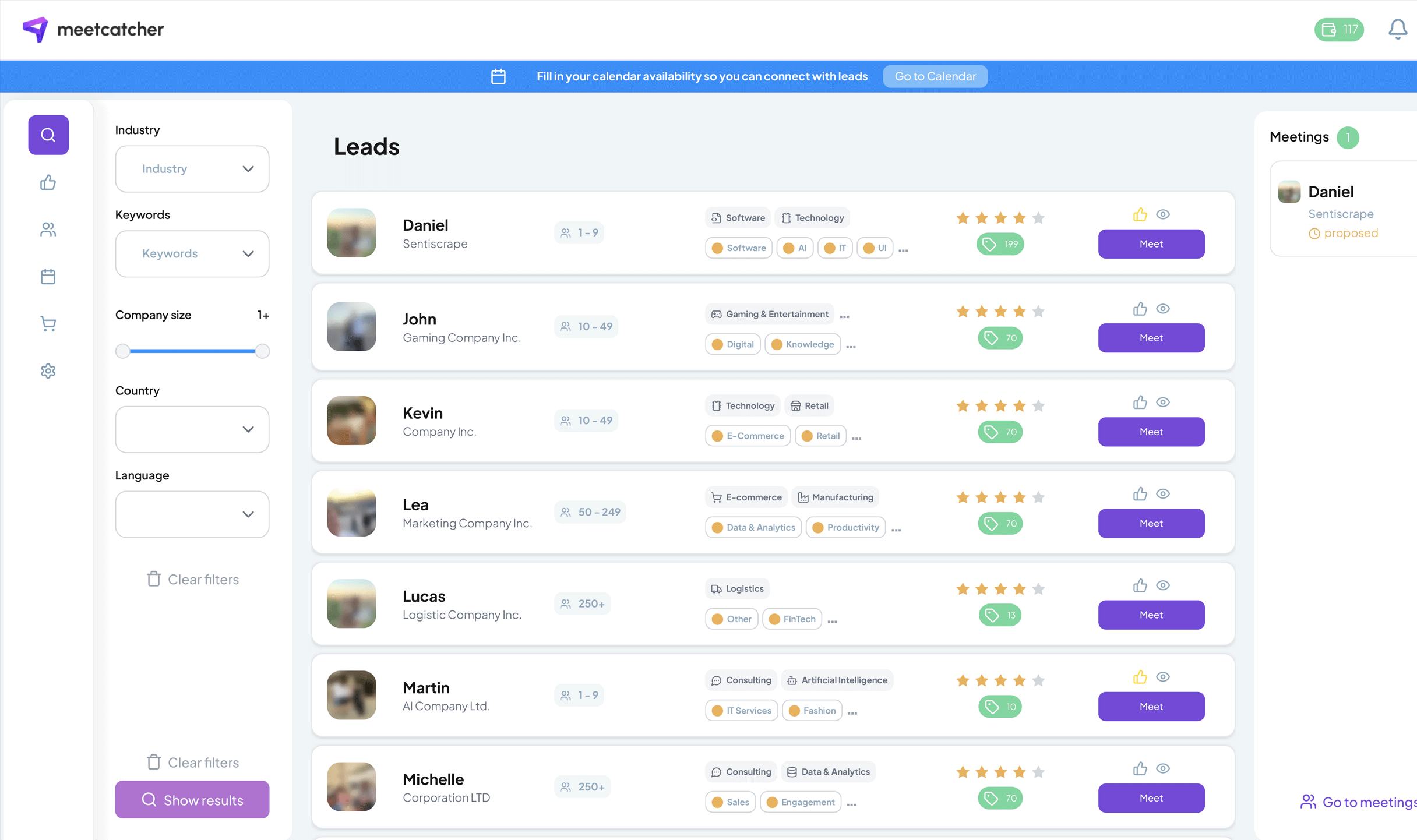
Is LinkedIn Sales Navigator Really Worth It?
If you sell B2B, you’ve probably faced this question: “Should I pay for LinkedIn Sales Navigator or stick to the free version?” It’s tempting to assume that paying instantly unlocks a flood of meetings. In reality, both versions can drive results — if used strategically.
The real difference: filters and focus
Most salespeople agree on one thing: Sales Navigator isn’t magic, but its filters are gold. Being able to search by company size, headcount growth, industry, or even “posted on LinkedIn in the last 30 days” can easily save hours per week.
In the free version, you can still search by job title and location, and with some creative Boolean strings (like ("marketing manager" OR "growth lead") AND SaaS AND London) you can get surprisingly close. The limit, however, is visibility — the free version caps search depth and hides 2nd- and 3rd-degree profiles much faster.
A rep I spoke with put it bluntly:
I used to waste time scrolling generic searches. With Navigator, I find 200 perfect-fit leads in one sitting. But if you know Boolean, the free version can take you 60% of the way.
So: Sales Navigator saves time and improves ICP accuracy, but you can validate your approach for free before paying.
Outreach alone doesn’t work — pair it with content
Whether you use the paid or free plan, results depend less on the tool and more on how you combine it with visible expertise. The days of cold DMs without context are fading. People check your feed before replying.
The most effective playbook looks like this:
- Publish 2–3 short, relevant posts per week (“common problem + short insight + open question”).
- Engage with your target audience’s posts daily (2–3 thoughtful comments, not emoji spam).
- Then send connection requests referencing mutual topics or pain points.
This blend consistently outperforms pure cold outreach — not because the messages are fancier, but because your name rings a bell before the message lands.
It’s easier to book meetings when they’ve seen your name twice already,” said one SaaS account executive. “Navigator helps you find them — content helps them remember you.
The InMail myth: personalization still wins
Another debated topic: InMail vs. personalized connection requests. Many reps agree InMail is overrated. It’s expensive, feels transactional, and easily ignored. A strong custom invite message can perform just as well — or better — because it starts the conversation organically.
Several sellers report success rates like:
- Standard InMail: 10–13% replies.
- Personalized connection invites: 18–22% acceptance and conversation rate.
As one sales manager explained:
People reply to humans, not templates. I mention something from their profile — a mutual interest, recent post, or project. It works better than any InMail credit.
Still, filtering remains key. Even with perfect copy, bad targeting wastes time. That’s where Sales Navigator shines — precise lists mean fewer irrelevant messages and more qualified meetings.
The invitation form: now limited
One overlooked update on LinkedIn is how connection invitations now work. In many cases, you don’t even see the text box for adding a note. It appears inconsistently — depending on connection degree, privacy settings, and interface version. This means that even with the best-crafted message, some requests will go out without your note.
The practical takeaway?
- Always have a strong profile headline that says who you help and how.
- Use follow-ups or comments to reintroduce yourself if the message didn’t attach.
- Keep testing — the interface changes often.
Free vs. Paid: what actually matters
You can think of it this way:
- The free version lets you learn, experiment, and post. You’ll understand your ICP, tone, and engagement cadence.
- Sales Navigator lets you scale it. Better filters = higher signal-to-noise ratio.
But no subscription will replace messaging skills or consistency. Without daily engagement and content rhythm, even the best lead list sits idle.
The shortcut to meetings
If your goal isn’t endless message threads but real conversations, there’s a faster route. Tools like Meetcatcher let you instantly invite qualified leads to short, focused video calls. It’s like bringing Sales Navigator’s filtered audience straight into real business speed-dating — where a ten-minute talk beats a week of inbox waiting.
Bottom line: Sales Navigator pays off when you already know who to reach and why. If you’re still exploring, the free version — paired with genuine content and outreach discipline — can get you surprisingly far. The real investment isn’t the subscription. It’s your time, your tone, and your consistency.