Onboarding Emails for SaaS: How to Keep New Users Engaged (and Compliant)
Every SaaS lives or dies in its first 14 days. That’s when users decide if they’ll stick around — and your onboarding emails are often the difference between churn and loyalty. If you’re not guiding users after signup, you’re quietly losing them.
Why every SaaS needs an onboarding email sequence
It’s not optional — it’s your post-signup lifeline. Every SaaS should have at least three onboarding emails, and ideally five to seven over the first two weeks. These aren’t sales messages; they’re setup guides, nudges, and confidence builders.
They do three things simultaneously:
- Help users complete setup.
- Remind them that value exists beyond the login screen.
- Keep your brand in their inbox — which doubles as a soft retention mechanic.
Without them, users drift away silently. With them, you stay top-of-mind while they learn to succeed.
A founder I interviewed shared that his product adoption rate increased by 18% within two months of introducing onboarding emails — and continued to rise by 6% each month as they optimized with A/B testing.
Emails that act as reminders
Even the mere presence of onboarding emails makes a difference. The average user logs in 1–3 times after signup, but often forgets to return. Emails act as gentle reminders during that fragile early stage.
Think of them as product “hand-holding.” The first week is not about upselling — it’s about helping. The more you guide users to their first “aha” moment, the more they’ll associate your brand with usefulness, not noise.
GDPR and compliance considerations
Before sending, check whether your onboarding emails are classified as transactional or marketing under GDPR.
- Transactional emails (necessary emails) are usually fine without extra consent.
- Marketing emails (product updates, offers, or cross-promotions) require explicit opt-in.
If your content mixes both — e.g., “your setup is incomplete, and by the way here’s a discount” — you risk falling into the marketing category unintentionally. Always separate value content from sales content, or you’ll need marketing consent.
It’s worth checking your email automation platform’s policies, too. Services like Postmark, SendGrid, or Mailgun differentiate transactional from marketing streams for precisely this reason.
Tracking, testing, and optimizing
Don’t send blind. Track performance from day one:
- Open rate (via UTM-tagged links and basic email analytics).
- Click rate (e.g., using Google Analytics UTM parameters like
utm_source=email&utm_campaign=onboarding). - Engagement per step — which email produces the most re-logins or feature activations.
Tools like Customer.io, Intercom, HubSpot, or Sendinblue make this easy. For leaner setups, even Google Analytics, Buttondown, or Brevo work fine — just tag each email link and compare.
Run A/B tests on:
- Subject lines (try “You’re 1 step away from…” vs. “Almost done setting up your account”).
- Send times (same day vs. next morning).
- Tone (tutorial vs. conversational).
A/B testing just one variable at a time can steadily improve engagement rates by 5–10% per iteration.
Deliverability: send from the right place
Here’s a practical tip most founders overlook: send onboarding emails from your app, not your CRM.
Why? CRMs often send from shared marketing IPs, which are more likely to be flagged as promotional. When emails are triggered directly from your product domain (e.g., noreply@yourapp.com), they’re treated as system messages — and almost never land in spam.
For smaller teams, even a basic SMTP integration or transactional service (Postmark, AWS SES, Mailersend) can handle this reliably.
Topics your onboarding emails should cover
You don’t need complex automation. Just write a clear, empathetic sequence that focuses on user success. Here’s a proven outline:
-
Welcome + Quick Start (Day 0–1)
- Thank them for joining.
- Link to a short video or setup checklist.
- End with a single action (“Add your first project,” “Invite your team”).
-
Value Reminder (Day 2–3)
- Highlight the main outcome your tool delivers.
- Show examples or case studies.
- Encourage users to log in and try a specific feature.
-
Feature Focus (Day 4–5)
- Deep dive into one key function.
- Add a CTA for booking a short call or watching a tutorial.
-
Problem Prevention (Day 6–7)
- Warn about common setup mistakes.
- Offer quick solutions or links to documentation.
-
Success Story (Day 10+)
- Share how another user succeeded.
- End with a friendly “what’s next” CTA — a webinar, community, or upgrade.
-
(Optional) Trial Expiry Reminder
- If relevant, remind them politely before the trial ends.
- Emphasize what they’ll lose if they don’t upgrade.
-
(Optional) Personal Check-In
- A plain-text email from “the founder” asking for feedback.
- Great for gathering insight and increasing trust.
The ultimate goal
Great onboarding isn’t just about education — it’s about momentum. Each message should pull the user one step closer to realizing value.
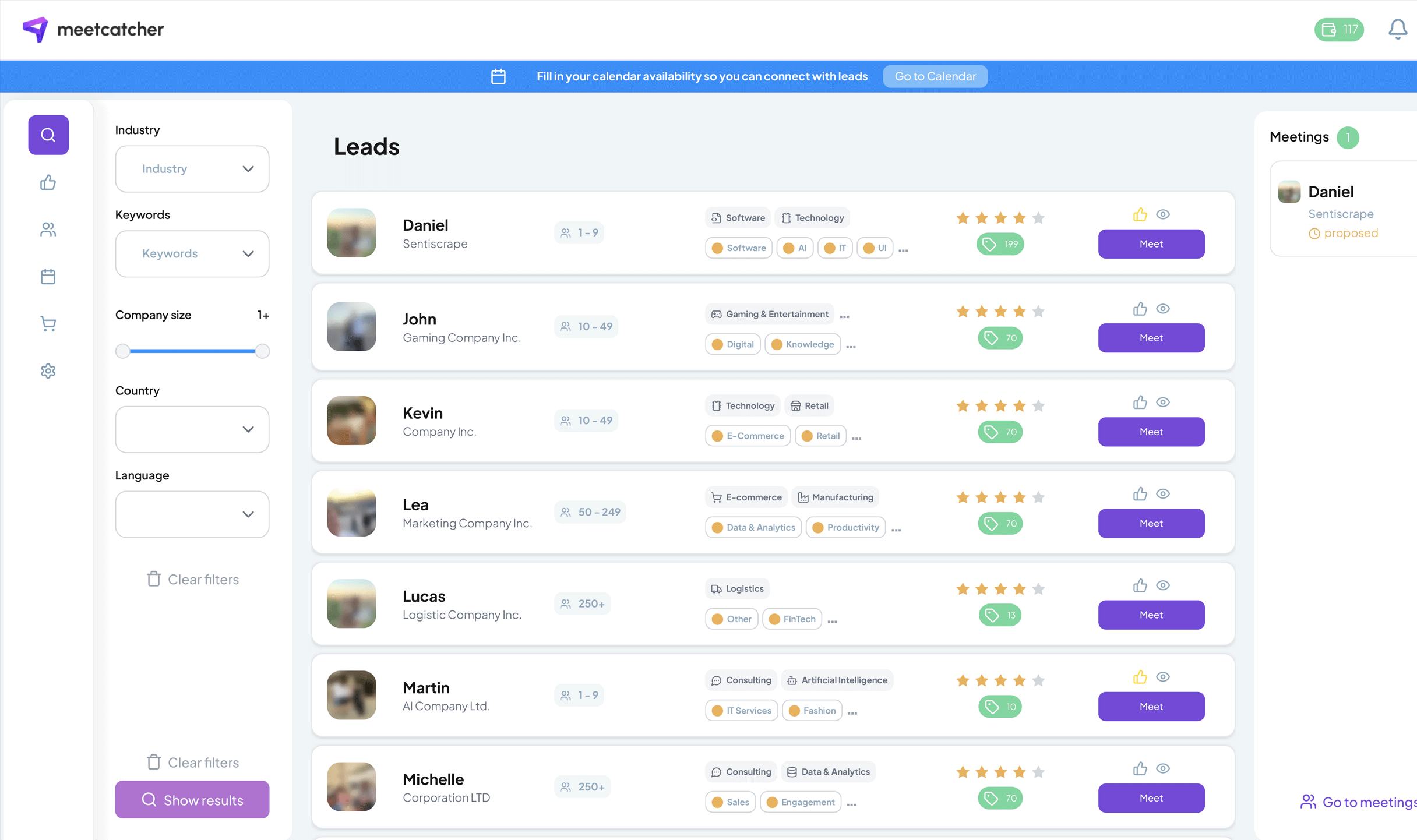
If you can’t yet afford a customer success team, onboarding emails are your success team. And if you want to push users from reading to real conversation, link one of those emails to a short intro call using Meetcatcher. It turns passive users into active relationships — the kind that don’t churn.
In SaaS, every email counts. Write fewer, better ones — and let them guide users not just through setup, but toward success.