Organizing Meetings on Meetcatcher: A Simple Guide to Effective B2B Networking
Scheduling a meeting on Meetcatcher is fast, easy, and surprisingly personal. Whether you’re here to sell, collaborate, or just expand your professional network, a few simple steps can make all the difference between a cold request and a valuable connection.
Step 1: Complete your profile
Before you can organize meetings or appear in search results, you’ll need to complete your profile. This isn’t just a formality — it’s how others decide whether to meet with you.
Add your:
- Full name and company name
- Languages you speak
- Industry and company size
- Tags describing your skills or services
- A short business description that explains what you do
Think of your profile as your digital business card — it’s your first impression. Profiles with detailed information receive up to 60% more invitations and confirmations than incomplete ones.
Step 2: Use filters to find the right people
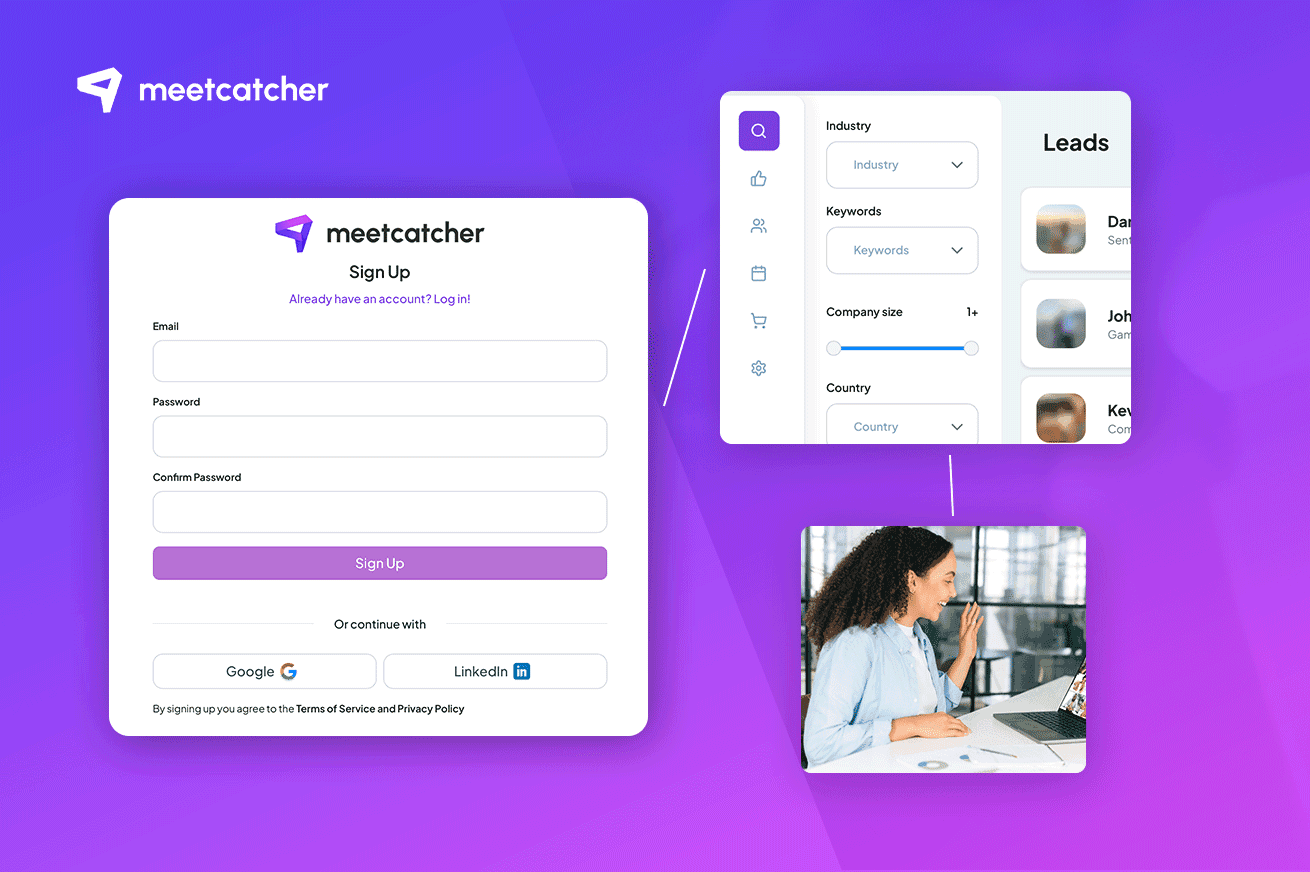
Once your profile is complete, you can start exploring the community. The search filters are there to help you target precisely — by industry, language, company size, or topic tags.
Take your time to read descriptions carefully. People write about what they do, what kind of collaborations they’re open to, and what type of services they seek. It’s worth spending a few extra minutes to identify the most relevant matches instead of sending random requests.
Treat it like a real networking event,” one user shared. “You don’t hand your card to everyone — you talk to the right people.
Step 3: Prioritize high-rated users
Every user on Meetcatcher has a rating based on previous meetings — professionalism, communication, and meeting value. Inviting users with higher ratings increases your chance of getting a confirmed meeting and usually leads to a more meaningful conversation.
Highly rated users are also more likely to show up and engage actively, ensuring you don’t waste credits or time.
It’s not about exclusivity — it’s about reliability. In the end, your own score will grow too if you keep your meetings high-quality and consistent.
Step 4: How to request a meeting
When you find someone interesting, simply click to request a meeting. You’ll see their available time slots, which they’ve added in their calendar. Pick one that works for you and confirm the request — the system will automatically reserve your credits until the meeting is accepted or declined.
Once the meeting is confirmed, you’ll receive all the details and can join directly from your dashboard.
Preparation tips
A little preparation goes a long way:
- Read the other person’s profile before the meeting.
- Think of what you want to get out of the call — a sale, a partnership, or feedback.
- Have your camera and microphone ready.
- Keep it short, clear, and friendly — each meeting is designed for around 10 minutes.
Many users compare it to a “mini pitch” — short enough to stay engaging, long enough to leave an impression.
Step 5: Use it for both sales and networking
Meetcatcher isn’t only for selling. Many professionals use it to exchange ideas, find partners, or explore collaborations. Freelancers meet agency owners, SaaS founders talk with consultants, and suppliers connect with distributors.
Because it connects people who can offer each other something, every conversation has potential value, even if it doesn’t lead to an immediate sale.
Step 6: Changing or canceling a meeting
Plans change, and that’s okay — but there are rules to keep things fair. If you need to cancel a confirmed meeting, you can do it directly in your dashboard. However, depending on how soon you cancel, a small credit penalty may apply.
- Organizers who cancel more than 12 hours before get 50% of credits back.
- Organizers canceling later than 12 hours get 10% back.
- Invitees who cancel lose 10–50% of their potential reward, depending on timing.
These rules exist to make sure everyone respects each other’s time.
Step 7: Keep your reputation high
After each meeting, the organizer rates the call — professionalism, relevance, and quality. Good ratings help you gain visibility and better returns for future calls. Ignoring invitations or missing meetings can lower your score and reduce your meeting value.
The better your reputation, the more others will want to meet with you — simple as that.
Final thoughts
Meetcatcher is more than just a meeting tool. It’s a community of professionals who value time, focus, and authentic connection. By filling out your profile, targeting wisely, and showing up prepared, you’ll make every 10-minute call count — for your business and your network alike.